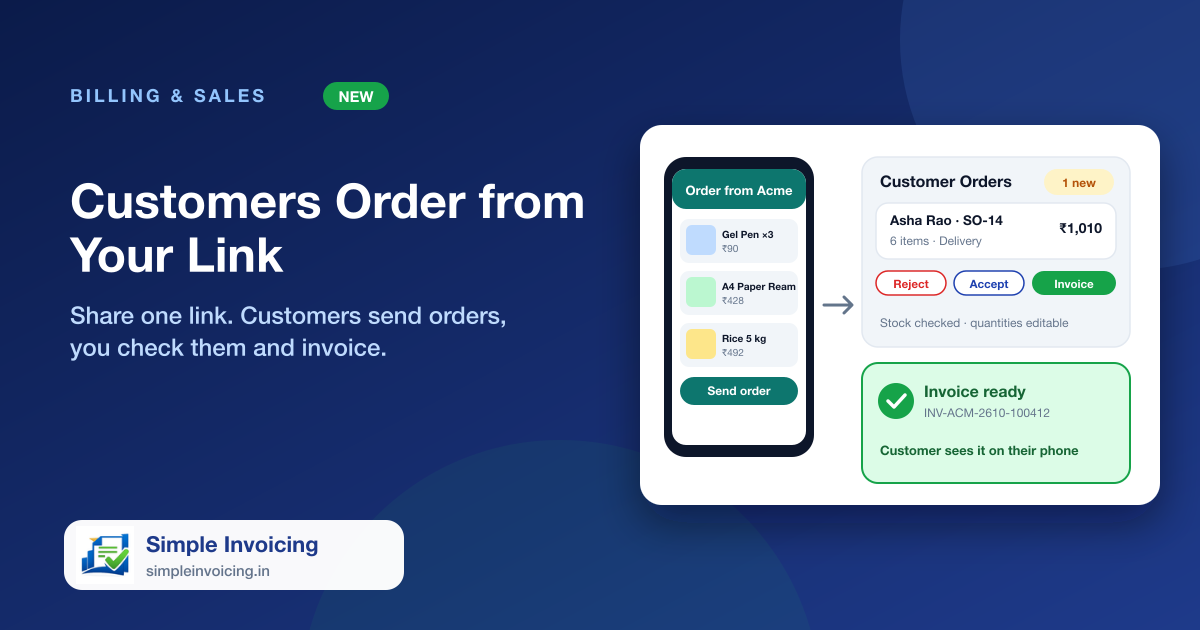
Customers shouldn't have to phone or message in a list. Share your order link on WhatsApp or print its QR code. They pick items from your own price list, say whether they will collect or want delivery, and send the order. You see it on your screen, check stock, change quantities if you must and create the final GST invoice.
What you can do
One link for your whole shop
Customers see your items with photos and prices, search by name and filter by category. Items that are out of stock are not offered, and "Only 3 left" is shown when stock runs low. Nothing to install and no login.
You check before anything is billed
Each order lands in Customer Orders with the customer's name, mobile, pickup or delivery address and note, and the stock you have beside every line. Change quantities, remove items, accept, or reject with a reason the customer can read.
From order to invoice in one step
Create the GST invoice from the checked order, as due or with payment received. Stock, accounts and the customer's ledger update as for any sale, and the customer is added automatically the first time.
The customer stays informed
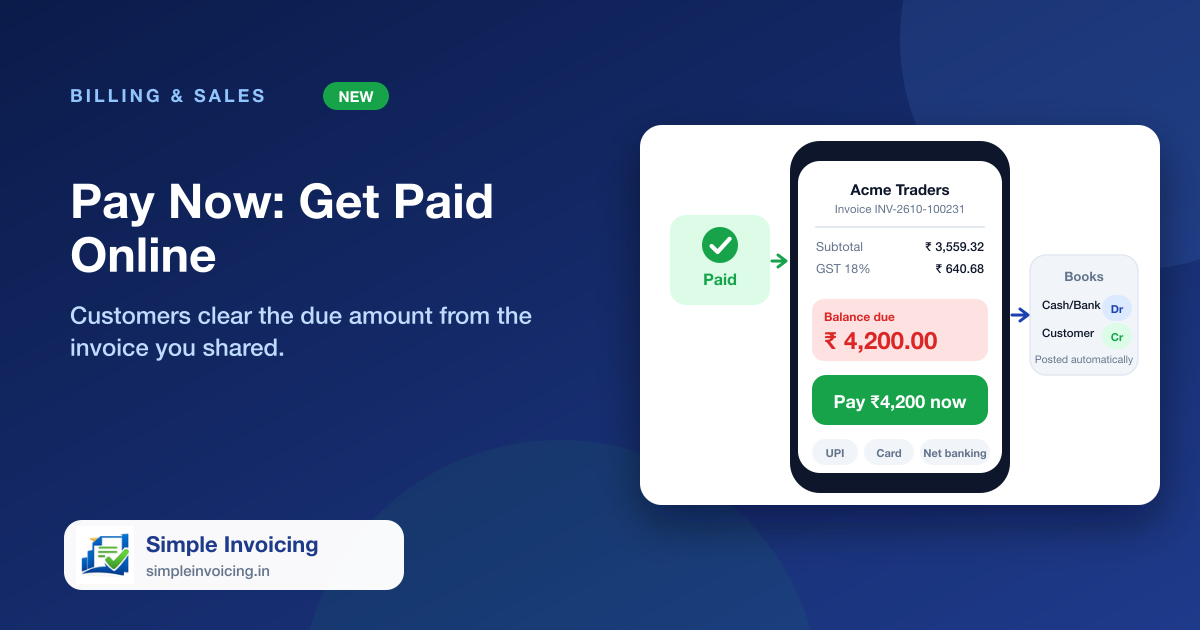
Their phone shows Order sent, Accepted and Invoice ready, with a link to the invoice. They can pay it online from there when you have Pay Now set up.
Also included
- New orders appear on your dashboard and as an alert with a sound on the Customer Orders page
- Prices and GST always come from your own item list, never from the customer's phone
- Switch the link off, or replace it if it leaks; the old link and QR stop working at once
- Print a QR poster for the counter or send the link on WhatsApp in one tap
Frequently asked questions
Does the customer pay when they send the order?
No. Nothing is charged when an order is sent. You check it first, then create the invoice. If you have online payments set up, the customer can pay the invoice from their order page.
Can a customer order something that is out of stock?
Not unless the item is set to allow orders when out of stock. Customers cannot ask for more than the stock you have, and you can still change quantities before invoicing.