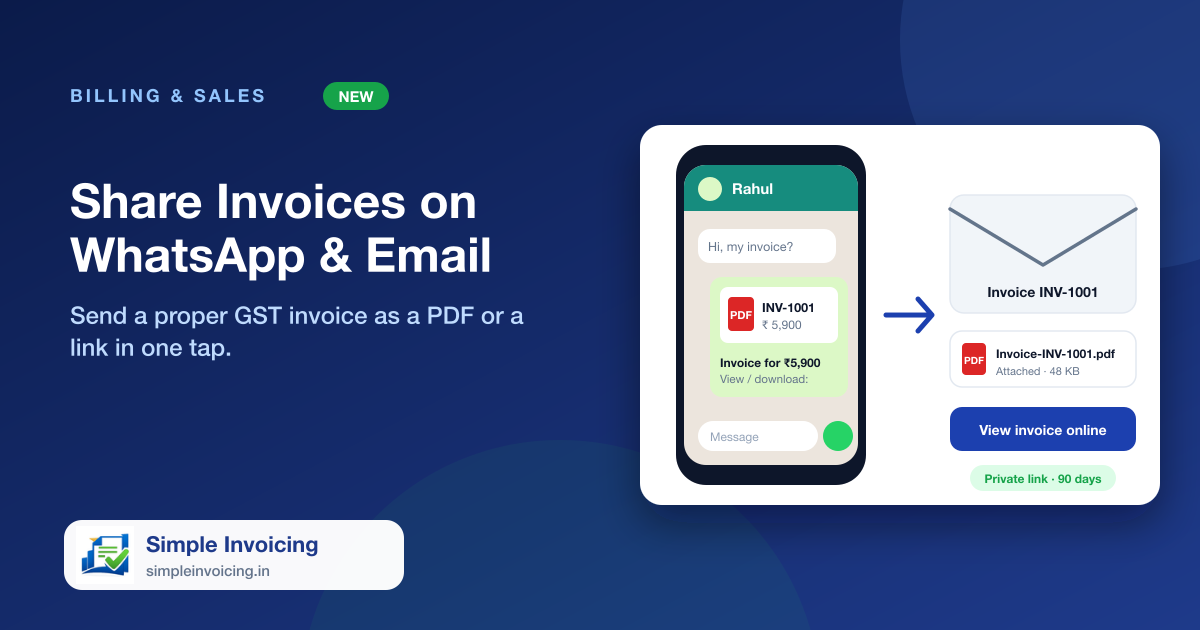
Customers want their invoice on the phone they already use. Tap Share on any invoice and choose WhatsApp or email. The customer gets a clean GST tax invoice they can read on the phone, download as a PDF or print, with no app and no login.
What you can do
A real GST tax invoice
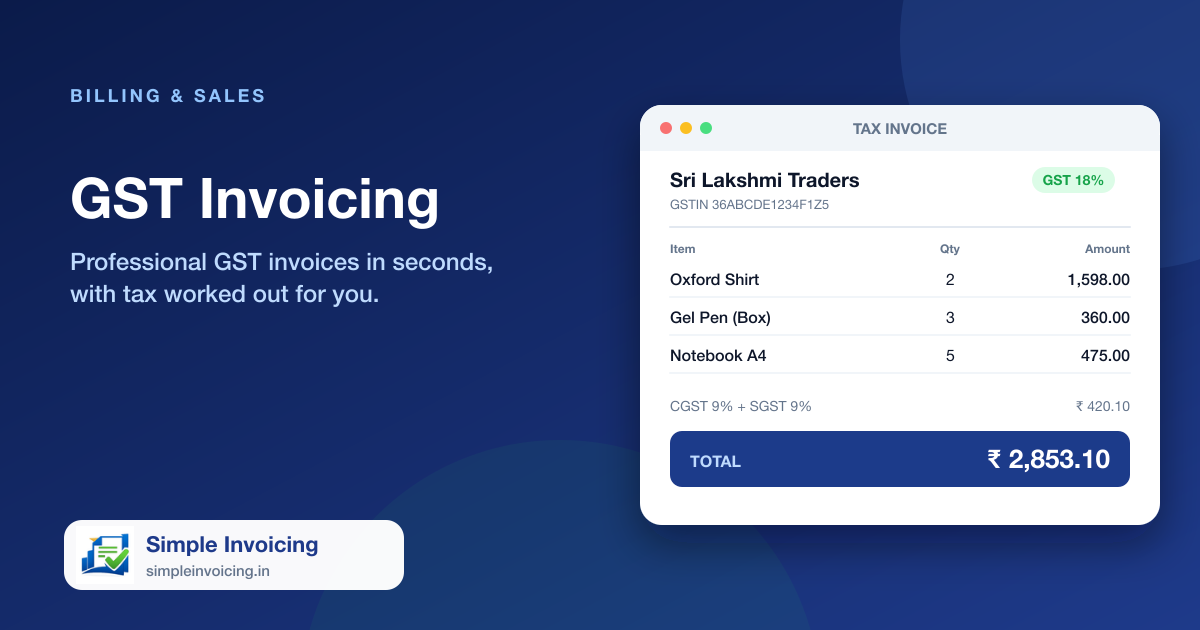
The shared invoice and the PDF show your GSTIN, the customer's details, HSN-wise tax summary, CGST, SGST or IGST, amount in words, bank details and a signature block.
WhatsApp in one tap
Opens WhatsApp on the customer's chat with the message already written. On a phone you can send the PDF itself; on a computer the message carries a direct PDF link.
Email with the PDF attached
Email the invoice with the PDF attached and a View invoice online button. The customer's email is filled in for you when it is saved, and replies come to your company address.
Private links that expire
Every invoice link is long, random and unique to that invoice, so numbers can't be guessed. Links stop working after 90 days and are renewed when you share again.
Also included
- Download PDF and Print buttons on the shared invoice page
- Same figures as your printed invoice: totals, tax, payments and balance
- Works on any phone or computer, nothing to install
- Links are kept out of search engines
Frequently asked questions
Can I send the PDF itself on WhatsApp?
On a phone, yes: the share sheet attaches the PDF and you choose WhatsApp. WhatsApp does not accept files from a web page on a computer, so there the message includes a direct link that opens the PDF on the customer's phone.
Is the invoice link safe to send?
Each link is a long random code that belongs to one invoice only and expires after 90 days. Anyone who has the link can view that one invoice, so share it only with the customer.