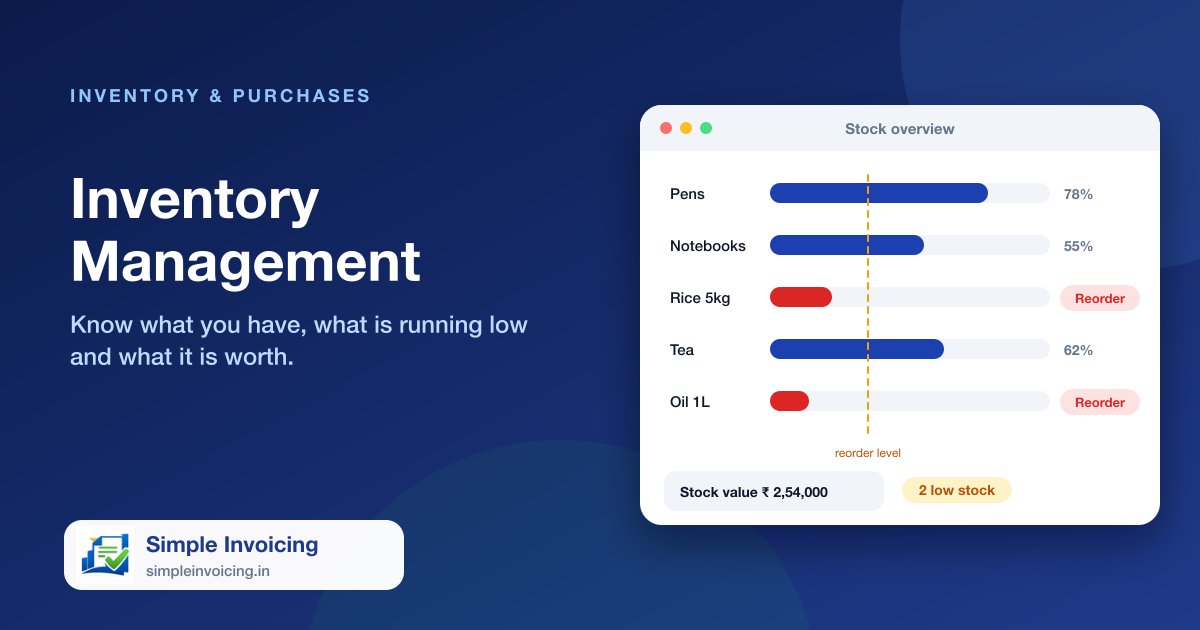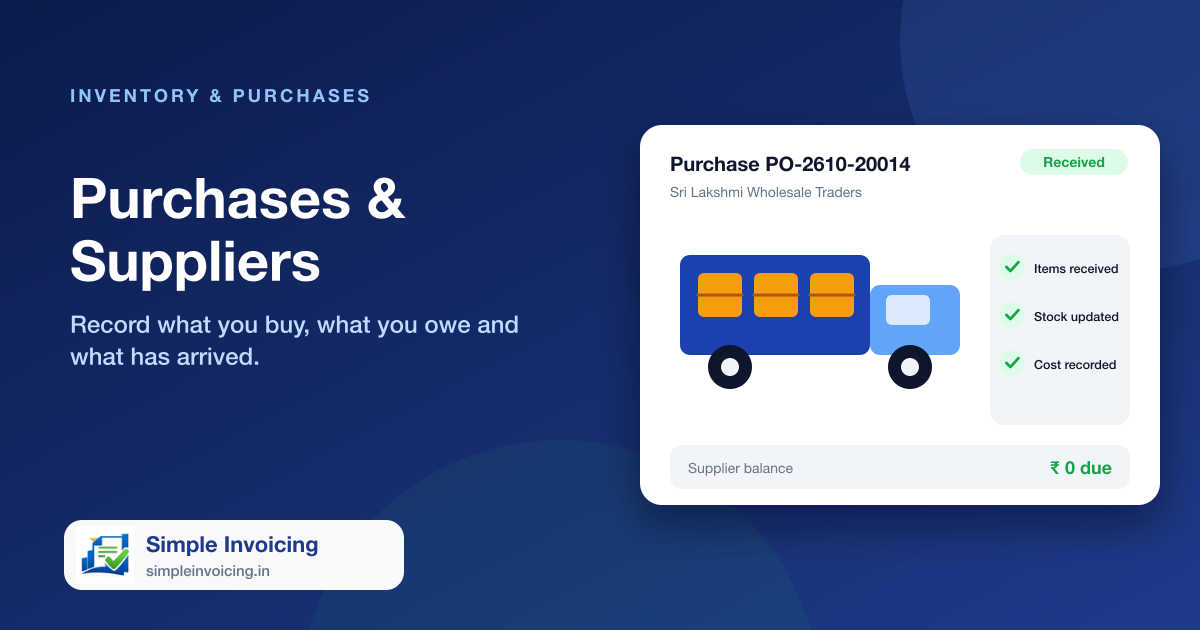
Keep buying organised from order to payment. Raise a purchase, mark it received when the goods arrive and stock goes up with the right cost, while supplier payments and balances stay in one place.
What you can do
Receipt-based stock
Stock increases when a purchase is marked received, not when it is merely ordered.
Supplier payments
Record part and full payments and see what is still owed to each supplier.
Cost tracking
The latest purchase cost is kept on the item, so margins stay visible.
Accounts linked
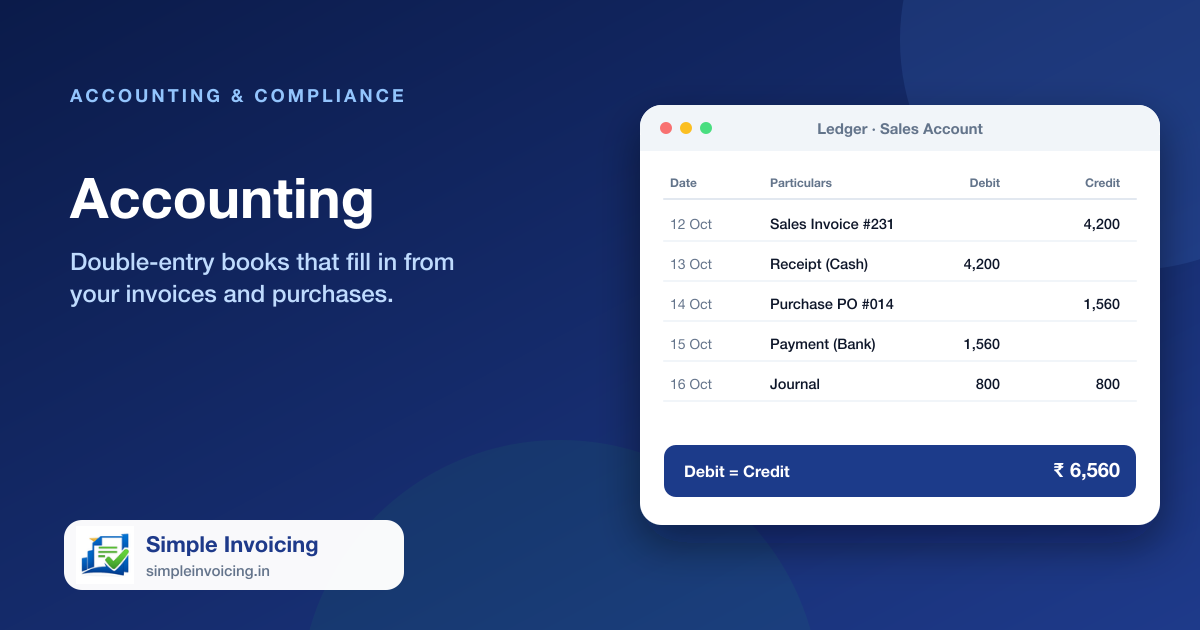
Purchases create the matching accounting entries automatically.
Also included
- Supplier directory with contact and GST details
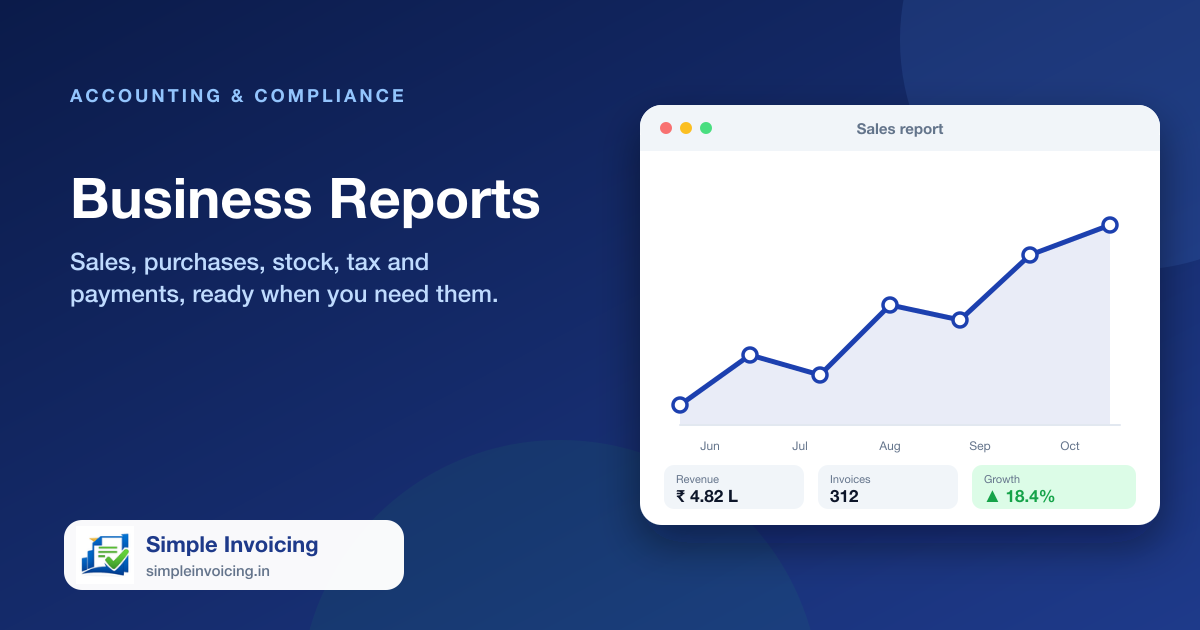
- Purchase and supplier reports
- Cancel or delete a purchase and the stock is reversed
- Purchase payment report
Frequently asked questions
When does stock go up?
When the purchase status is set to received.
Can I see what I owe a supplier?
Yes. Purchase payments and the supplier report show paid and outstanding amounts.