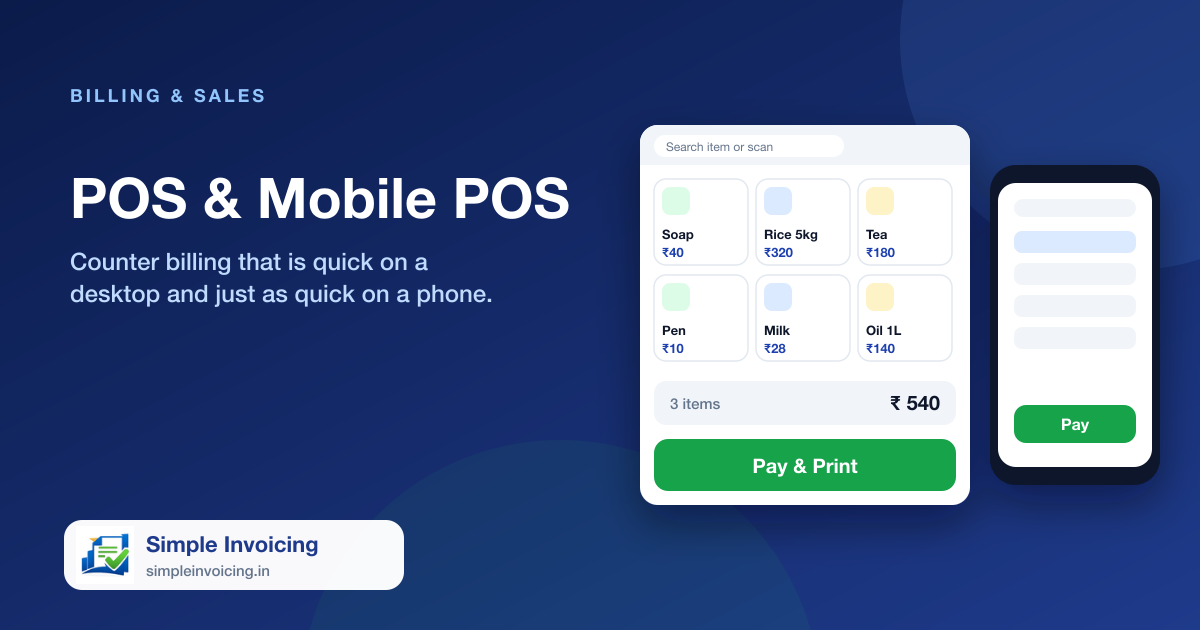
The POS screen is built for the queue at the counter. Search by name, code or barcode, tap to add, take payment and print, all on one screen. The mobile POS gives the same speed on a phone or tablet.
What you can do
Search or scan
Find items by name, code or barcode and add them with a single tap.
Stock-aware
The cart respects available stock, so you do not sell what you do not have, unless you allow back-orders for that item.
Bill discount
Apply a flat or percentage discount to the whole bill before taking payment.
Print instantly
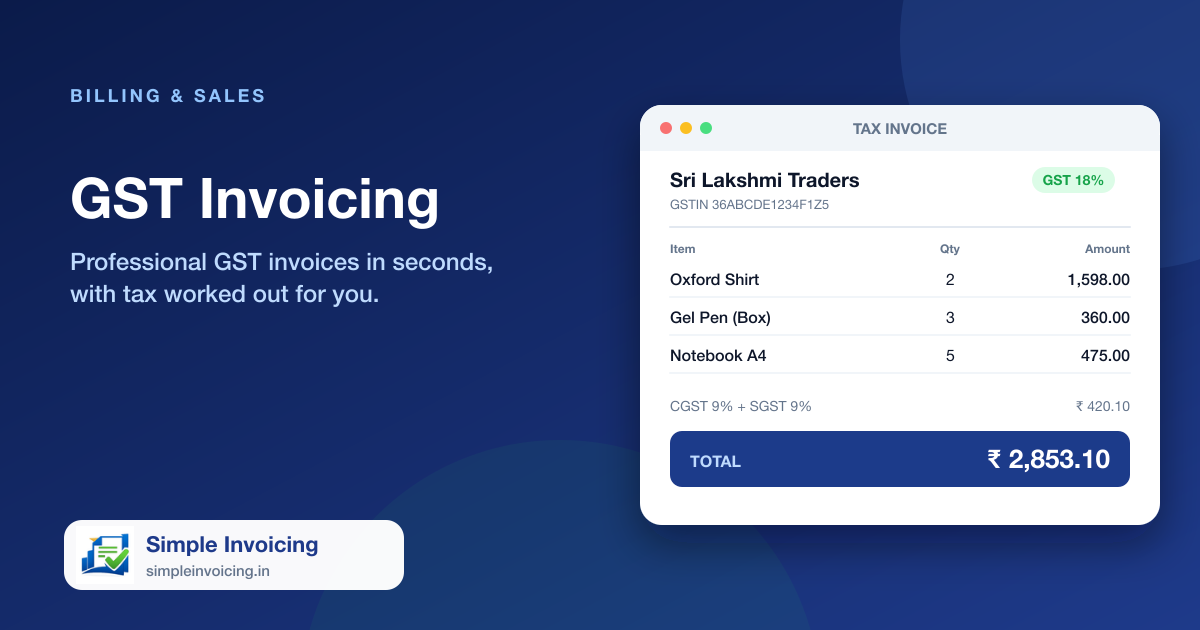
Print a thermal receipt or an A4 GST invoice as soon as the bill is saved.
Also included
- Category filters to find items quickly
- Part payment or full payment at the counter
- Installable as an app on phones and tablets
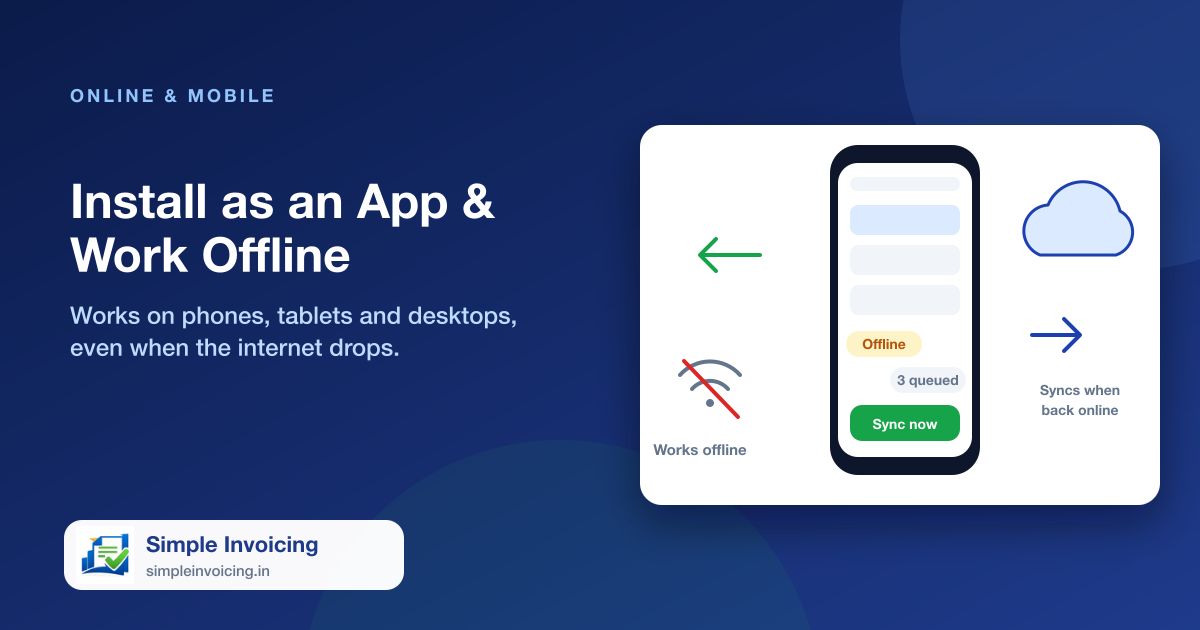
- Keeps working through short internet outages
Frequently asked questions
Can I use it on a phone?
Yes. There is a dedicated mobile POS, and the app can be installed on a phone or tablet like a regular app.
Does it work without internet?
Invoices created offline are kept on the device and synced when the connection returns.